



 Australia







MonsterWin Casino Login
This page walks through the MonsterWin casino login from start to finish: which details you need, how our password rules work, what to do when a sign-in fails, and how to get a fresh password by email. The steps are the same for every account at our online casino, whether you play on a laptop or on mobile.
Once you're in, your balance, any active bonus and the full games library are right where you left them. Don't have an account yet? Open one first – new players can take 100% up to A$750 plus 200 free spins on the first deposit.
Log In to MonsterWinMonsterWin Casino Login with Email or Phone Number
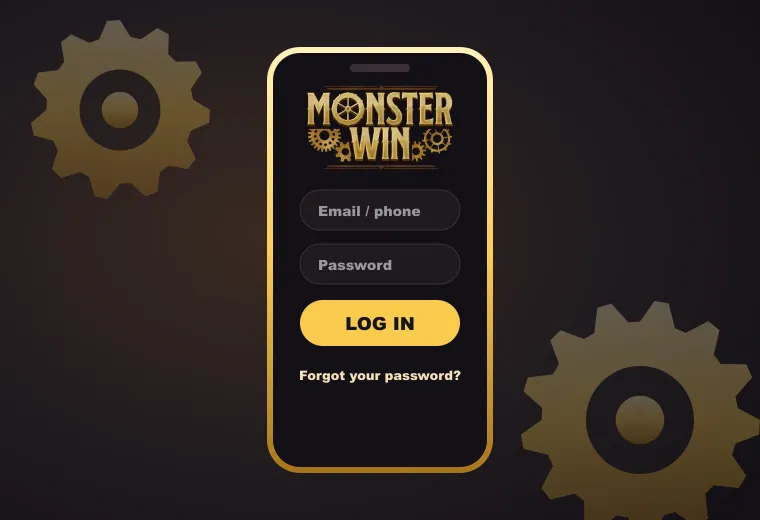
We give you two ways to identify yourself: the email address on your account, or the phone number you registered with. Both work with the same password, so pick whichever you remember more easily.
- Step 1Open our site in your browser and choose Log In.
- Step 2Type your email address or your phone number.
- Step 3Enter your password, watching out for capital letters.
- Step 4Confirm, and you're back in the casino with your balance and games ready.
Most failed attempts come down to small things in the details you type. A stray space before or after an email address, an old address you no longer use, or a phone number entered differently from the one on file will all stop the sign-in. If one option doesn't work, try the other: the email and the phone number lead to the same account.
Which one should you use day to day? Email is the safer pick if you change phones often, because the address stays the same. The phone number is quicker to type on a small screen. Either way, the password is the same, and so is everything you see once you're in.
Go to LoginPassword Rules for Your MonsterWin Account
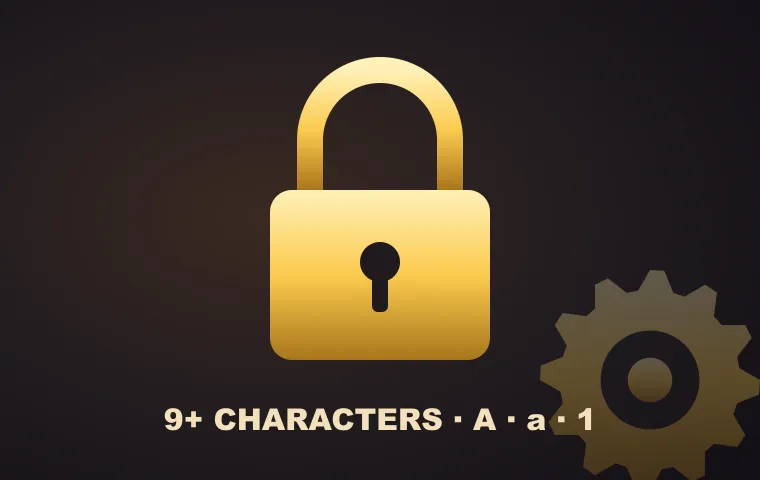
Every password on our casino has to meet the same four rules, set at registration and again whenever you change it:
- at least 9 characters;
- at least one capital letter;
- at least one lowercase letter;
- at least one number.
If the sign up screen refuses a new password, one of these is usually missing. Longer is fine, and mixing in a symbol does no harm.
To keep your MonsterWin login secure, don't reuse a password from another site and don't share it with anyone, including friends who play too. Players on a shared computer should avoid letting the browser save it. A password manager is a handy way to store a long, unique one without having to memorise it.
MonsterWin Casino Login Australia: Fixing Sign-In Errors
Most problems have a quick fix. Here are the ones we see most often:
- "Wrong password". Check Caps Lock and the keyboard language, then type it again slowly. Still refused? Reset it by email, as shown below.
- Account not found. Try your phone number instead of the email, or the other email address you might have registered with.
- Logged out in the middle of a game. You probably signed in on another device. A new login ends the game session on the first one, so sign in again where you want to play.
- Nothing happens when you tap Log In. Refresh the page, update your browser, or switch from Wi-Fi to mobile data and try once more.
Still stuck? Our support team is online 24/7 in Live Chat, and you can also write to support@monsterwin.com. Tell them which email or phone number you use for the account, so they can find it quickly.
Forgot Your Password? Reset It by Email
A forgotten password takes a few minutes to replace:
- Step 1On the sign-in screen, choose Forgot your password?
- Step 2Enter the email address linked to your account.
- Step 3Open the message we send and follow the reset link inside.
- Step 4Set a new password that meets the rules above, then use it for your next MonsterWin casino login.
No message after a few minutes? Look in the spam or junk folder first, since reset emails sometimes land there. If it isn't there either, check that you typed the address on your account, then get in touch with support.
Signing In on Android or iPhone
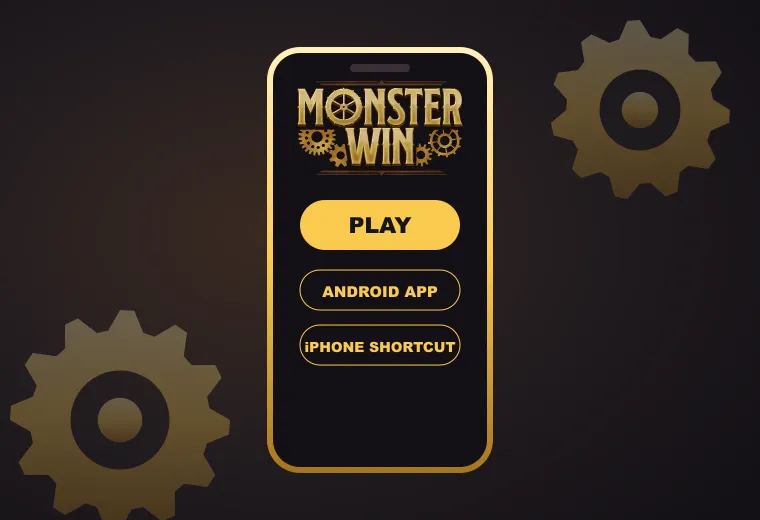
For a MonsterWin casino login Australia players can use on the go, there are two routes. On Android, scan the QR code on our site or follow the download link, install the app, and sign in once. On iPhone, choose Create Shortcut: our icon lands on your home screen and opens the sign-in page in the browser.
From the phone you can deposit, play every game and request a withdrawal, all with the same account. Just remember the one-session rule: logging in on your phone ends an open session on your computer, and the other way round. If you share a device with someone else, log out when you finish so the next person can't open your account.
The app and the shortcut both need a working connection, and a weak signal can look like a login problem. If the page hangs, move closer to Wi-Fi or switch to mobile data before trying again.
MonsterWin Casino Login: Your Questions
- Can I sign in with my phone number instead of my email?
Yes. Use the number you registered with and your usual password. It opens the same account as your email address.
- Why was my new password not accepted?
It needs at least 9 characters, with one capital letter, one lowercase letter and one number.
- The reset email never arrived. What should I do?
Check spam and junk, confirm the address is the one on your account, then contact support through Live Chat or at support@monsterwin.com.
- What happens if I log in on a second device?
The game session on the first device ends. Sign in again on whichever device you want to keep playing on.
- Do I need to verify my account to log in?
No. We may ask for documents in the Verification section later, for example before a withdrawal, but signing in only needs your details and password.